Deleting an Offering
You can delete an offering.
Sign in as described in Signing In To the Partner Portal and navigate to the Offerings tab.
The Offerings page appears.
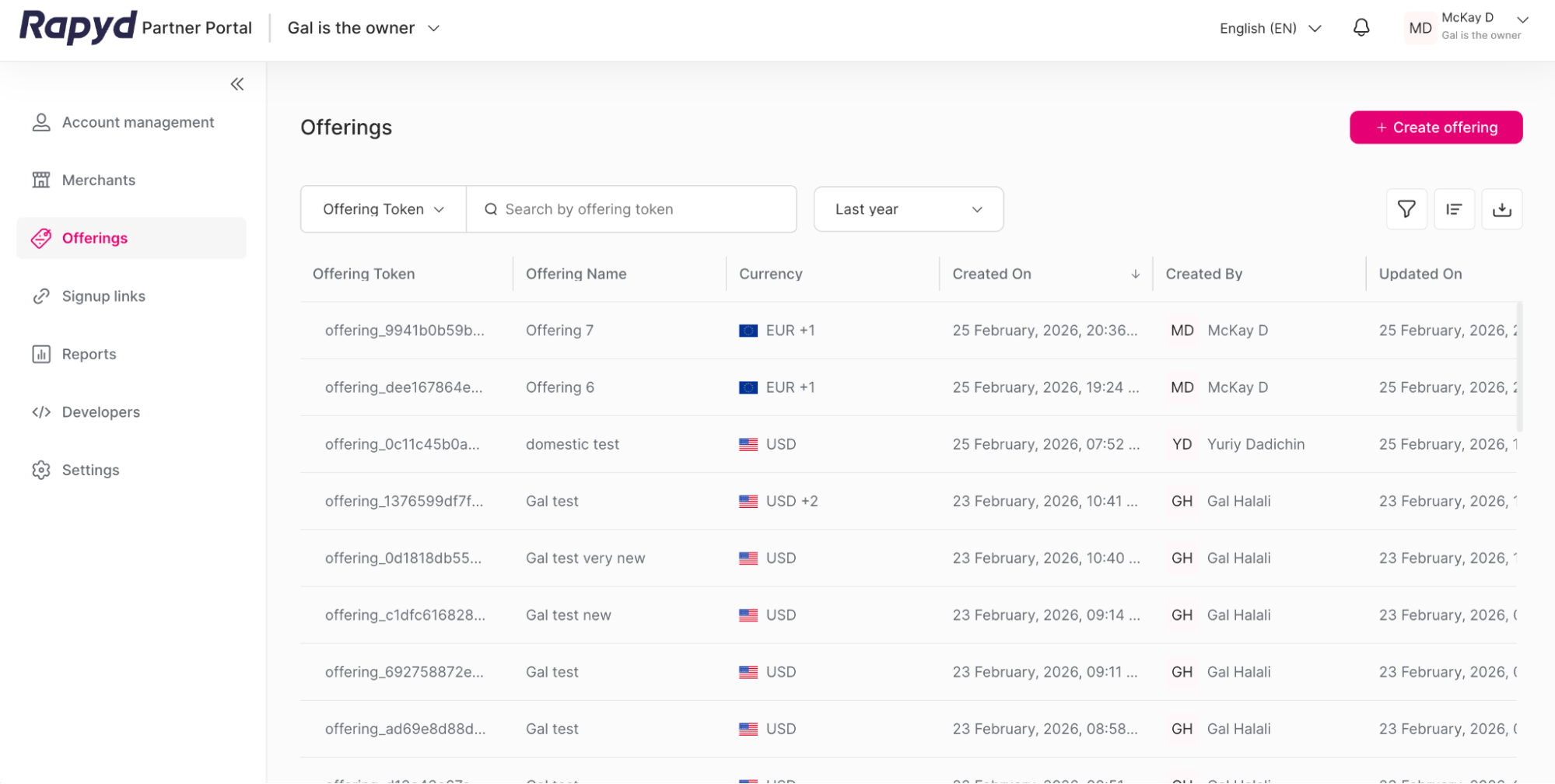
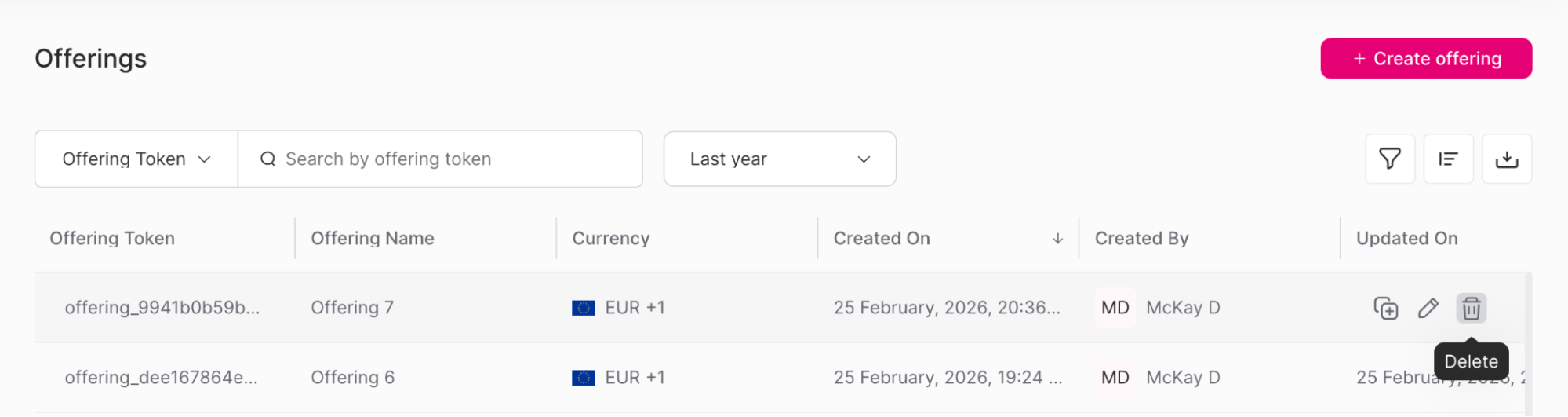
Navigate to the row of the offering that you want to view.
Click the Delete icon.
Note: An Offering can only be deleted if it is not associated with a merchant or a sign-up link.
A window appears.
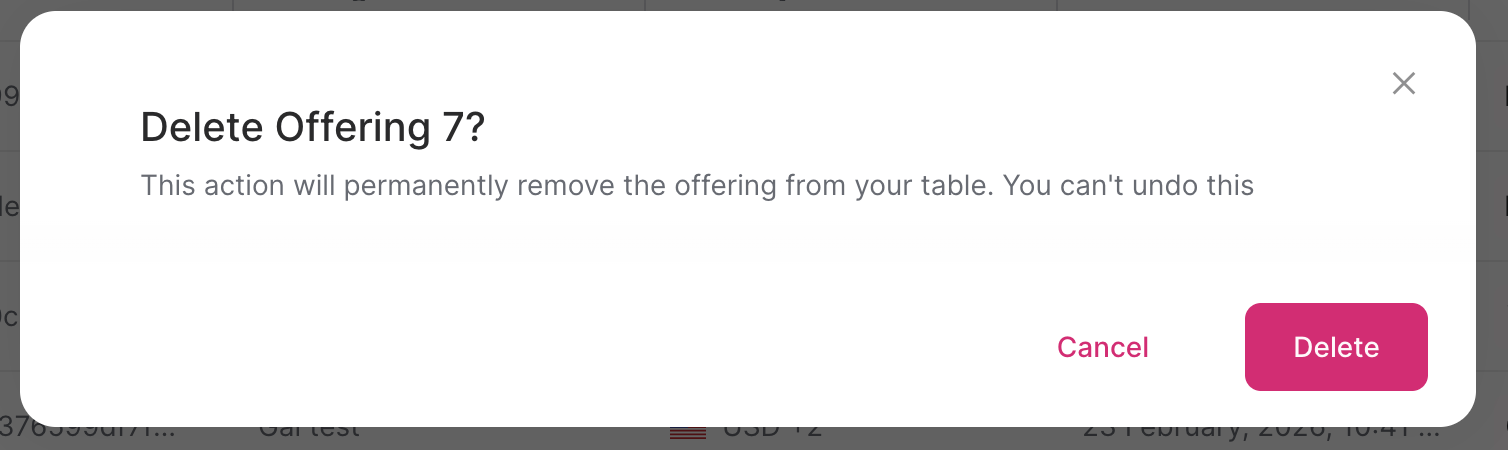
Click the Delete button.
Warning
Deleting an offering will permanently remove the offering from your table. You can’t undo this.
The success window appears.
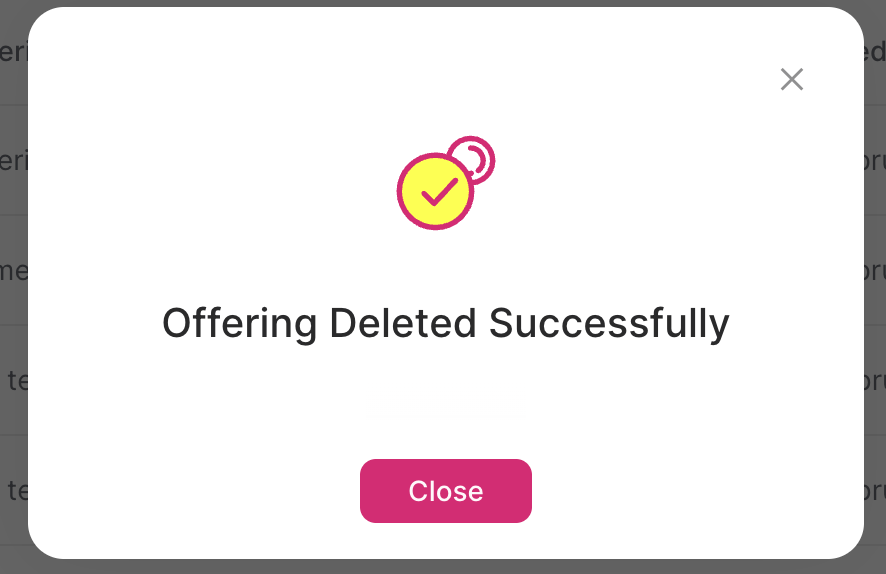
Click Close.