Reports Settings
Manage the Reports settings in the Partner Portal.
Sign in as described in Signing In to the Partner Portal and navigate to Reports > Reports Settings.
The Reports settings page appears.
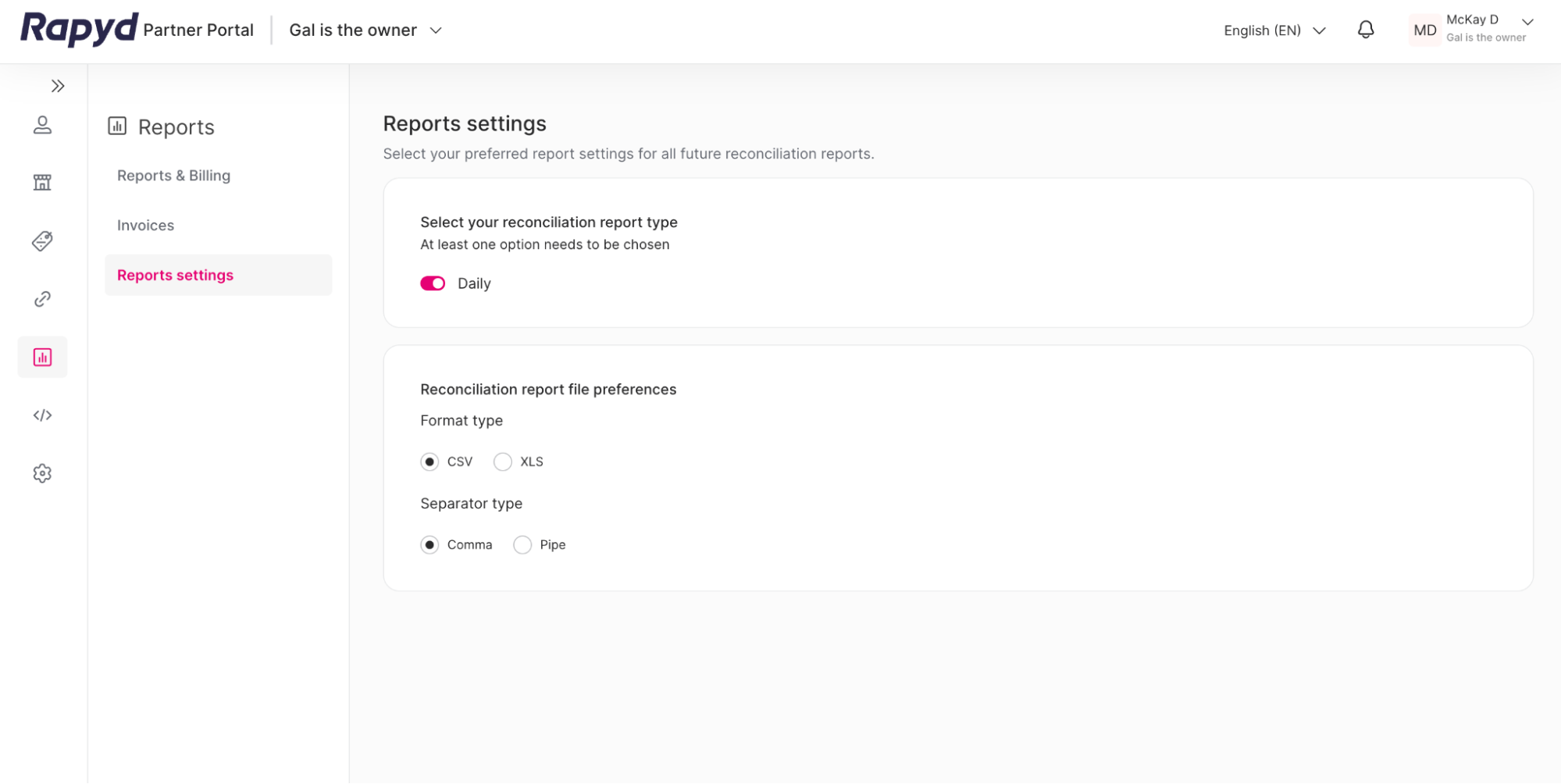
Choose the following under Select your reconciliation report type:
Daily (Default): reports will show the transactions and settlement activity in a day.
Select one of the following under CSV file preferences:
Comma: data will be separated by columns, which represent the comma.
Pipe: data will be in one column, separated by a pipe. Example: One | Two | Three |
The Reports Settings will automatically save, and the next daily report will appear in your desired format.