Viewing and Editing Your Merchant Capabilities
You can view and edit your merchant's capabilities.
Sign in as described in Signing In To the Partner Portal and navigate to the Merchants tab.
The Merchants page appears.
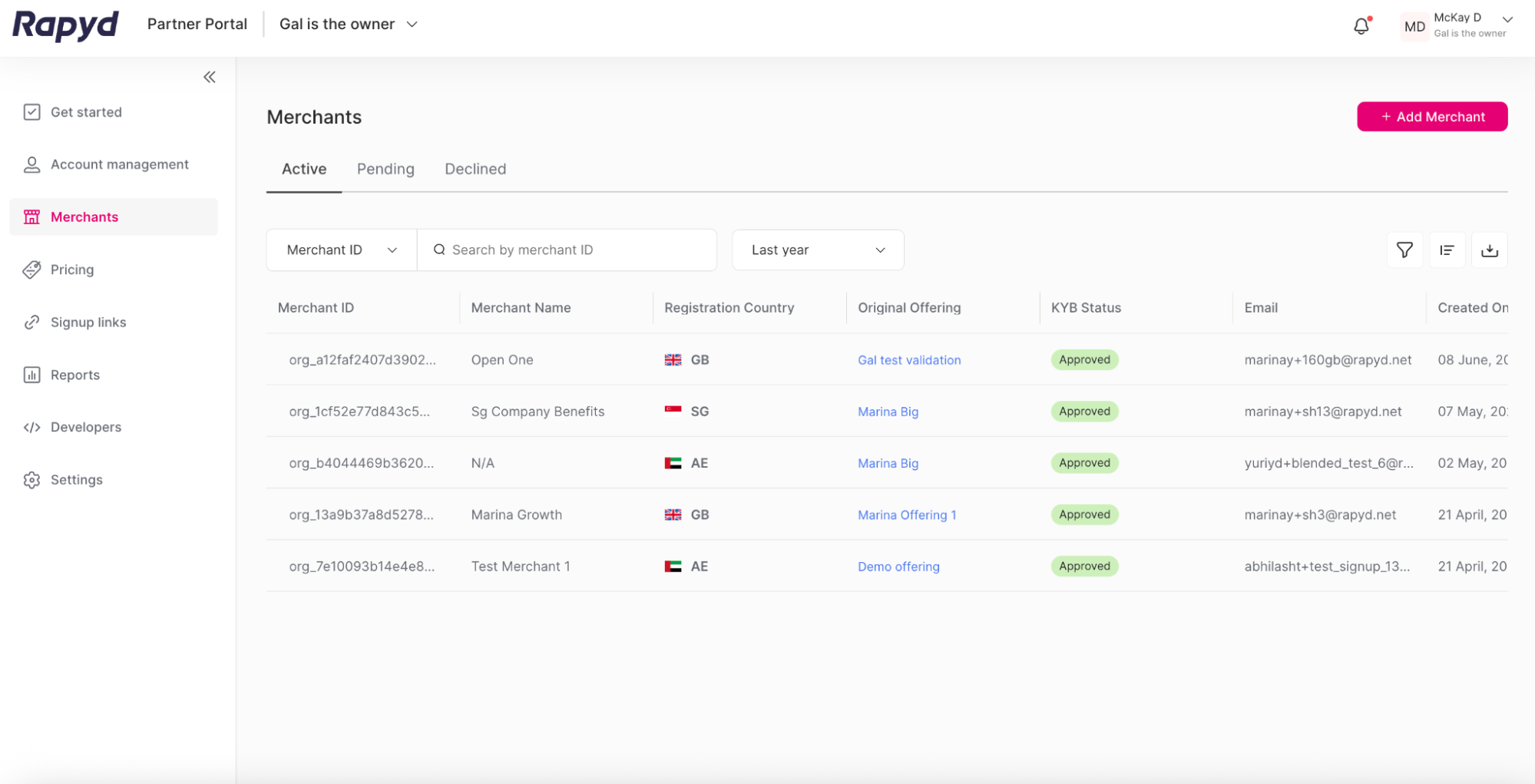
Click the row of the merchant you want to view.
The Merchant details page appears.
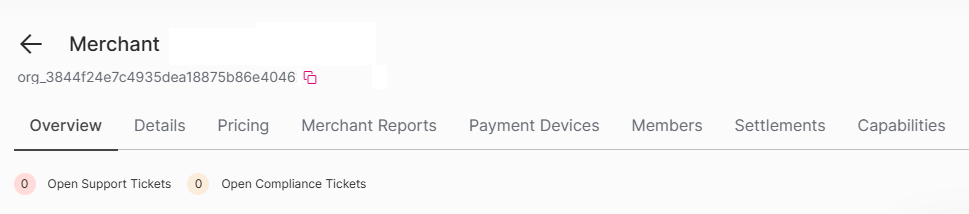
Click on the Capabilities tab.
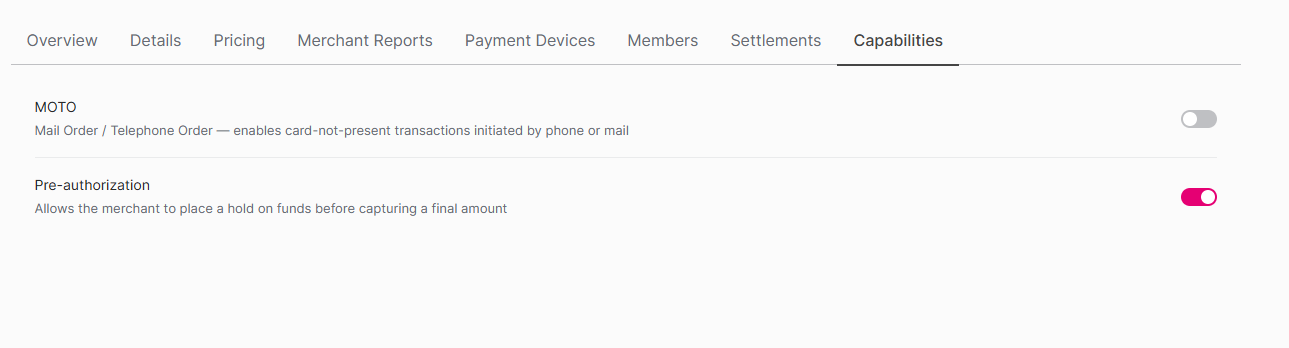
The following capabilities can be enabled or disabled by their toggle switch:
MOTO - Mail Order / Telephone Order - enables
card-not-presenttransactions initiated by phone or mail.Pre-authorization - Allows the merchant to place a hold on funds before capturing a final amount.