Viewing Scheme Details
You can view the scheme details of your merchants, such as the CAID and Acquirer BINs that are required for External 3DS and Pre-Dispute (RDR) programs.
Sign in as described in Signing In To the Partner Portal and navigate to the Merchants tab.
The Merchants page appears.
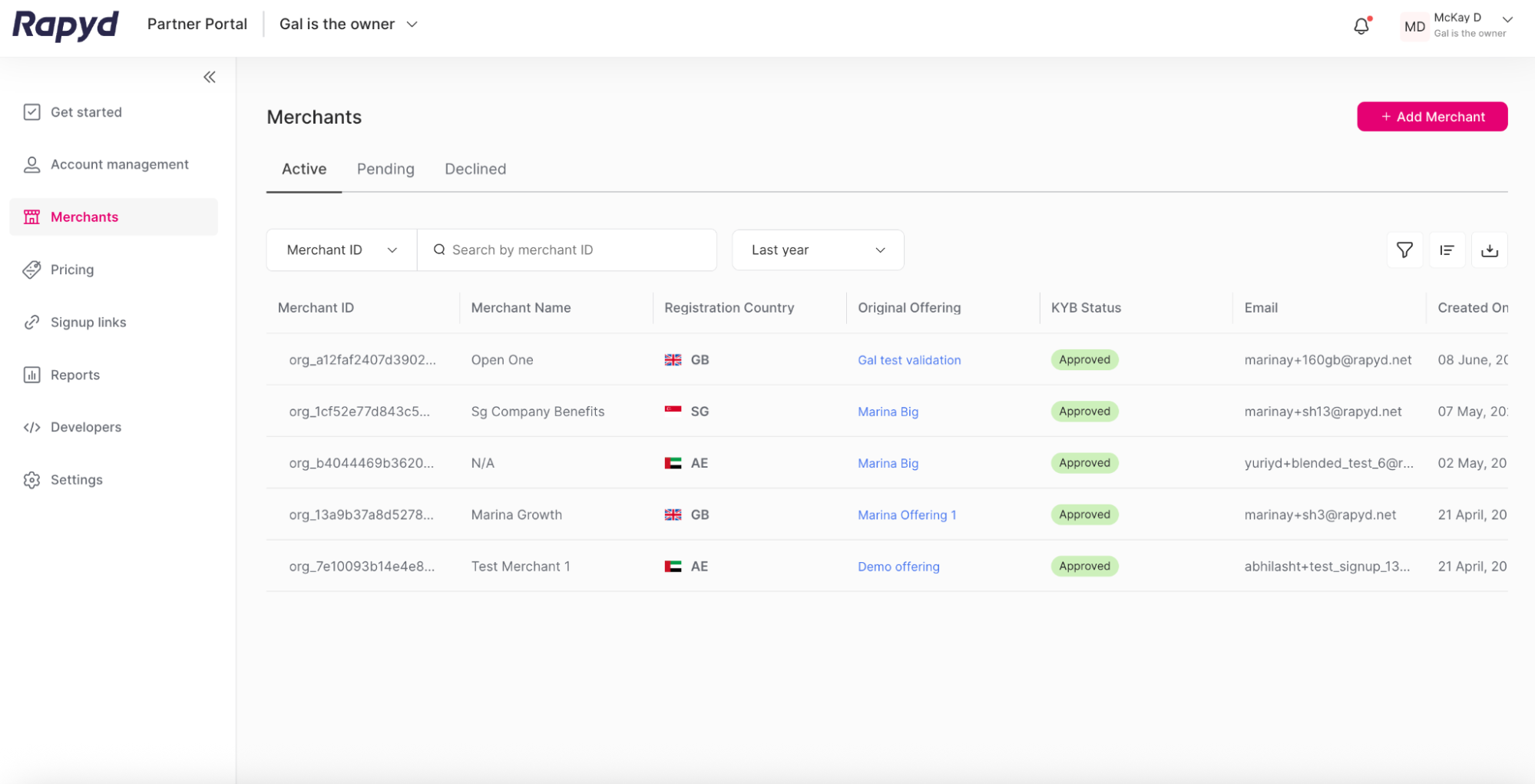
Click the row of the merchant you want to view.
The Merchant details page appears.
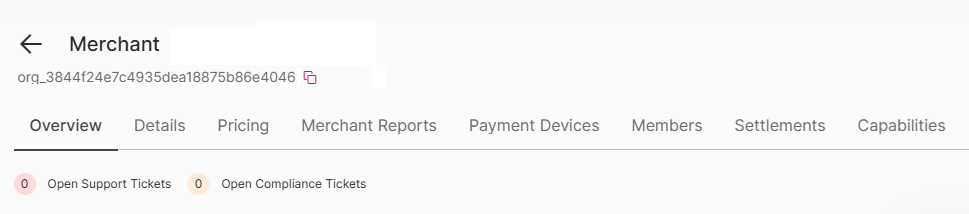
Click the Scheme Details tab.
A table appears with the scheme details of the merchant's wallet:
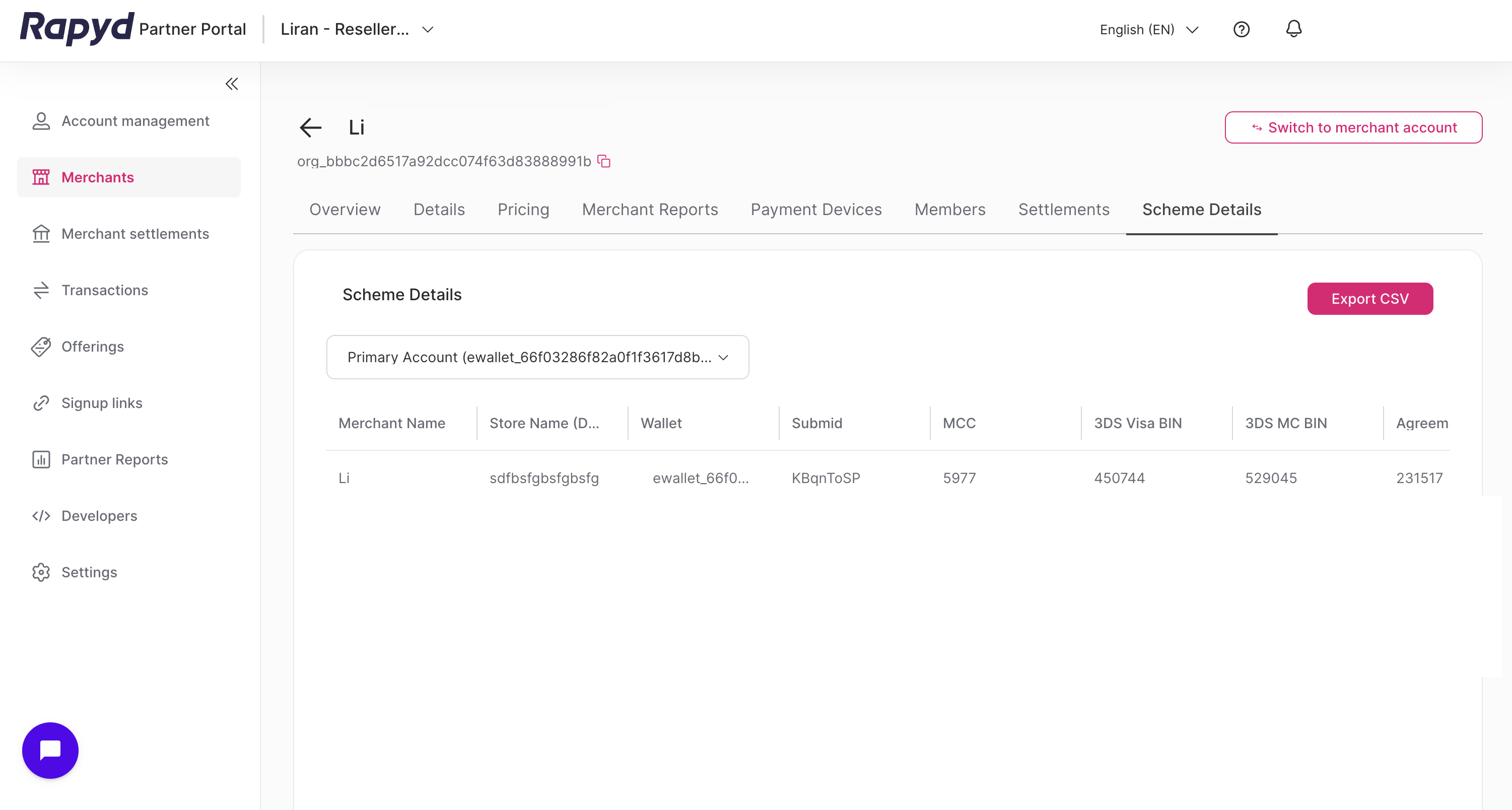
Merchant Name - The merchant's name.
Store Name (DBA) - The statement descriptor of the merchant.
Wallet - The wallet reference ID.
Submid - The submerchant ID.
MCC - The merchant category code.
3DS Visa BIN - The Visa BIN for External 3DS.
3DS MC BIN - The Mastercard BIN for External 3DS.
Agreement ID - The agreement ID.
CAID - The card acceptor identifier.
VISA Acquirer BIN - The Visa acquirer BIN.
MC Acquirer BIN - The Mastercard acquirer BIN.
Currency - The currency of the wallet.
To view the scheme details of another wallet of the merchant, select the wallet from the drop-down list above the table.
To export the table data as a CSV file, click Export CSV. You can open the file in a spreadsheet program, such as Google Sheets or Excel, to review and analyze the data further.
Note
Only users with the Owner or Admin role can view the Scheme Details page.