Inicio de sesión en el portal de clientes
El Client Portal proporciona acceso a su cuenta de Rapyd, incluida la funcionalidad para el entorno de producción y el sandbox.
El propietario de una cuenta de Rapyd y todos los usuarios invitados pueden acceder al Client Portal.
Prerrequisitos
Dueño - Crea una cuenta de producción de Rapyd. Consulte Registrarse para obtener una cuenta.
Usuario invitado - Acepta una invitación a la cuenta de producción del Portal de clientes. Aceptar una invitación al portal de clientes.
Navega hasta https://dashboard.rapyd.net.
Aparece la página de inicio de sesión.
Nota: El modo oscuro ya está disponible y se puede cambiar en la esquina superior derecha haciendo clic en el icono de la luna.
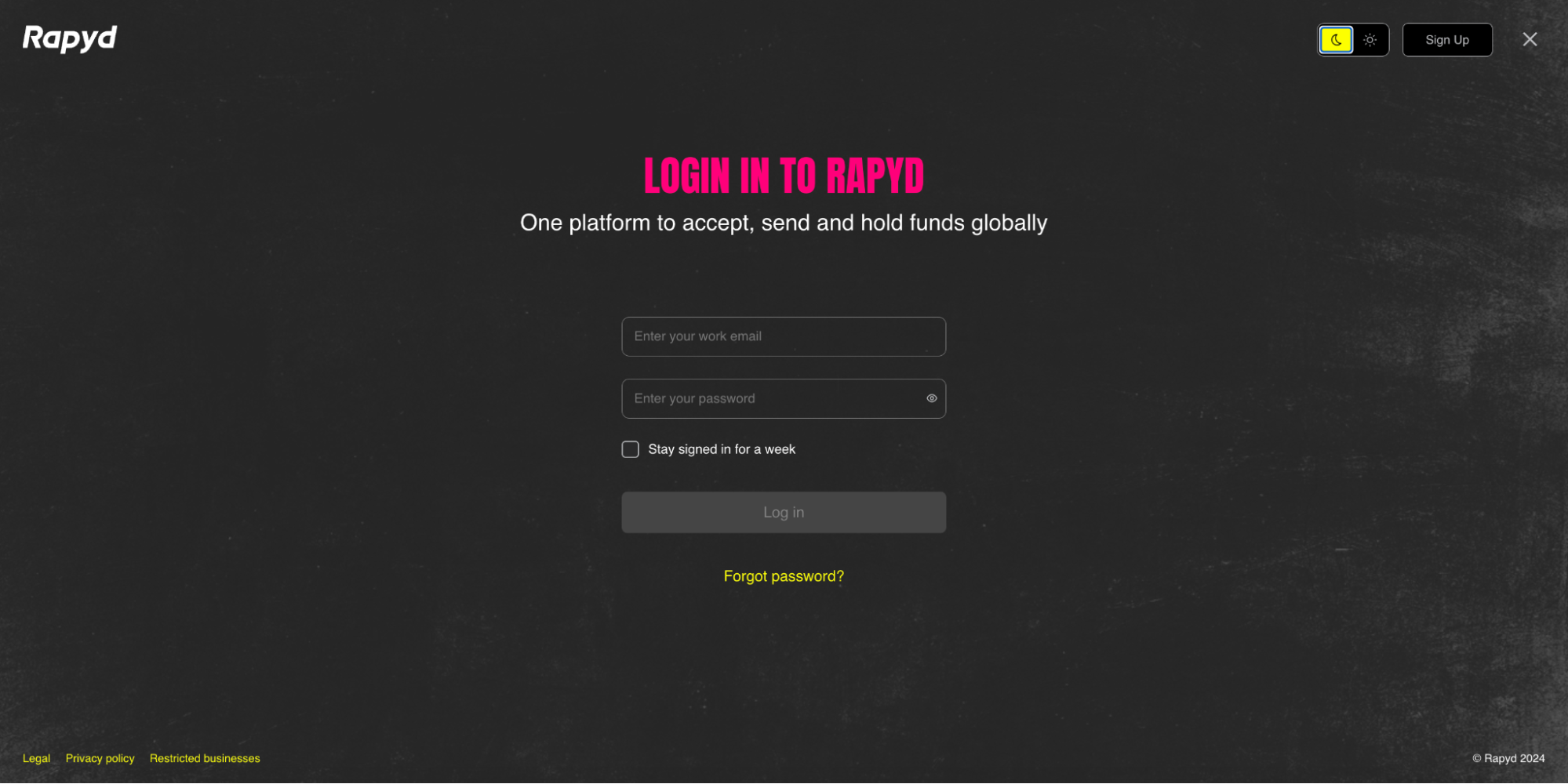
Ingrese su correo electrónico y contraseña y, a continuación, haga clic en Inicia sesión.
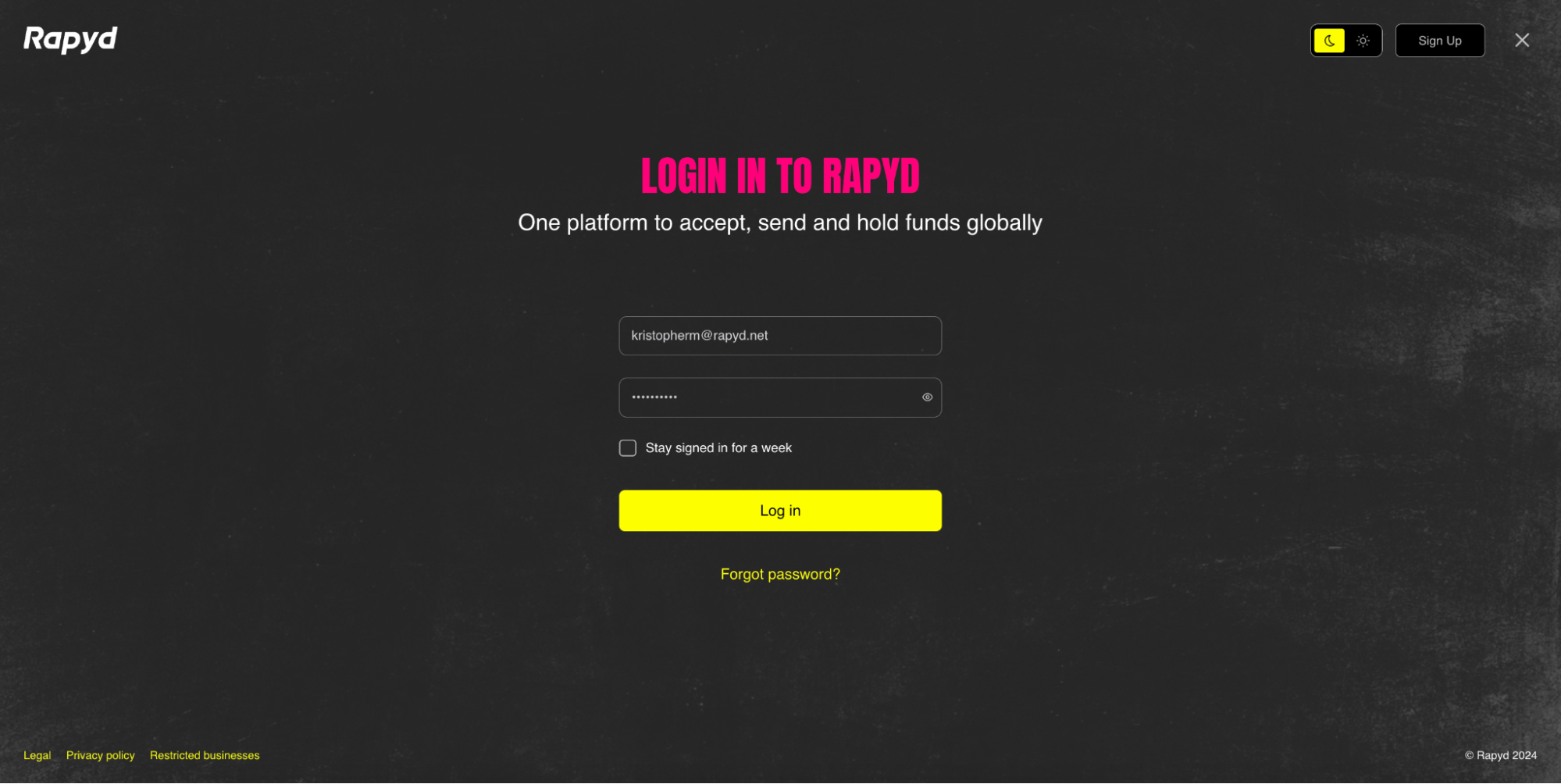
Inicie sesión con la autenticación de dos factores. Se envía un código numérico de 6 dígitos por SMS a su teléfono
Aparece la página de Autenticación de dos factores.
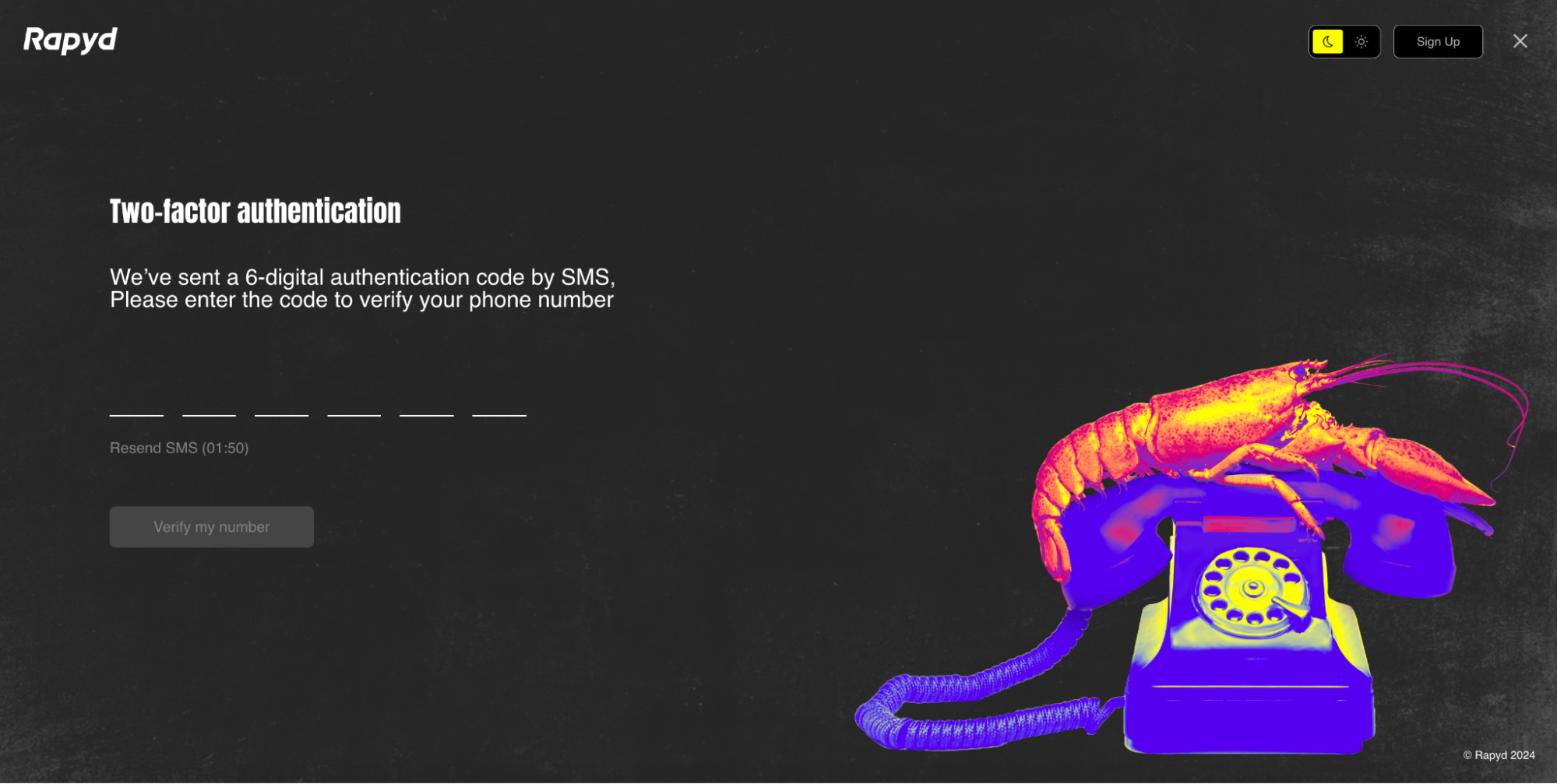
Ingrese el código.
Haga clic en Verifica mi número.
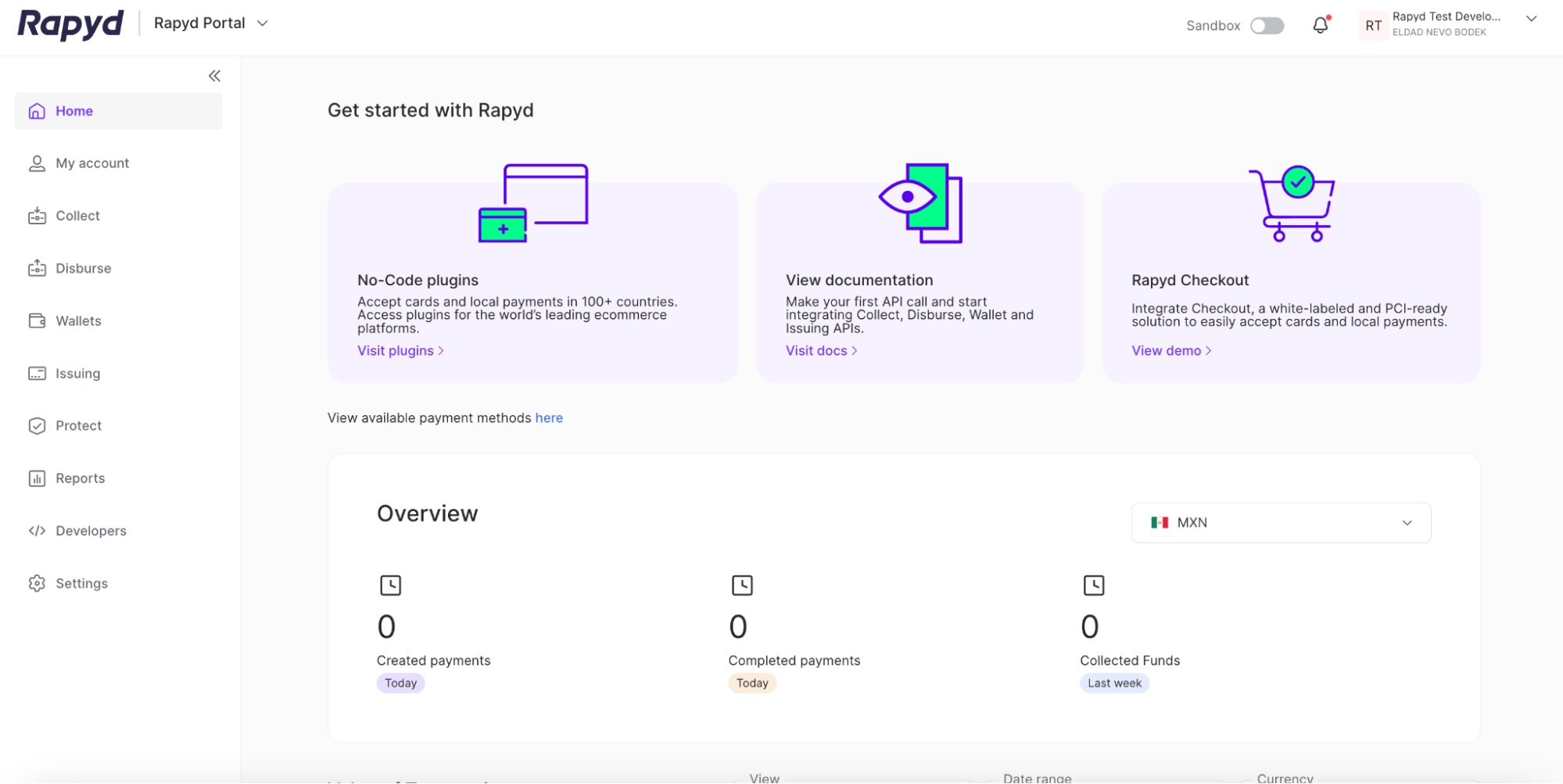
Se abre el Rapyd Client Portal.
sesión único (SSO) es una forma segura de iniciar sesión sin usar una contraseña. La información del usuario se envía y se autentica antes de iniciar sesión correctamente
Navega hasta https://dashboard.rapyd.net.
Aparece la página de inicio de sesión.
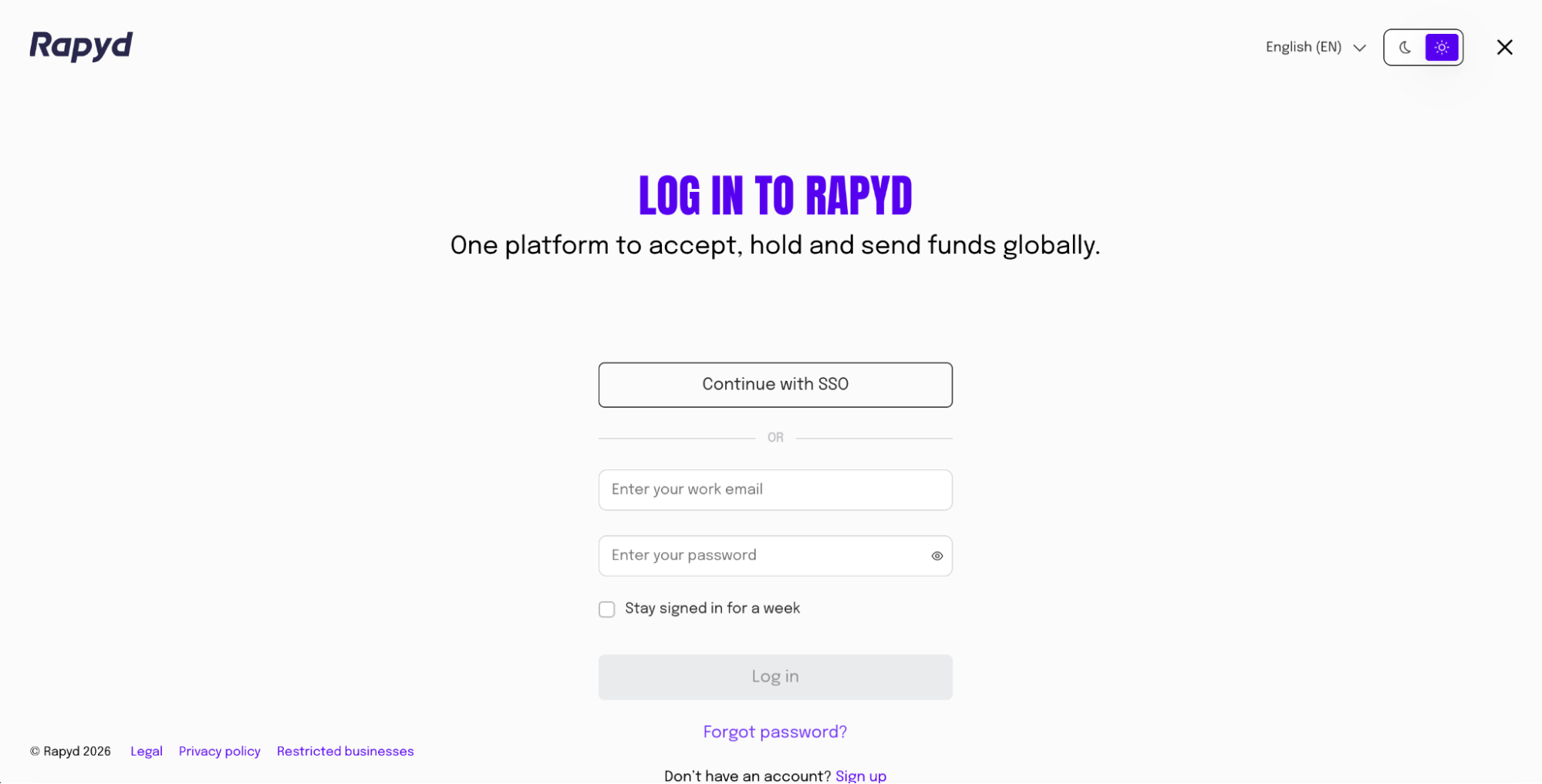
Haga clic en Continúe con el SSO botón.
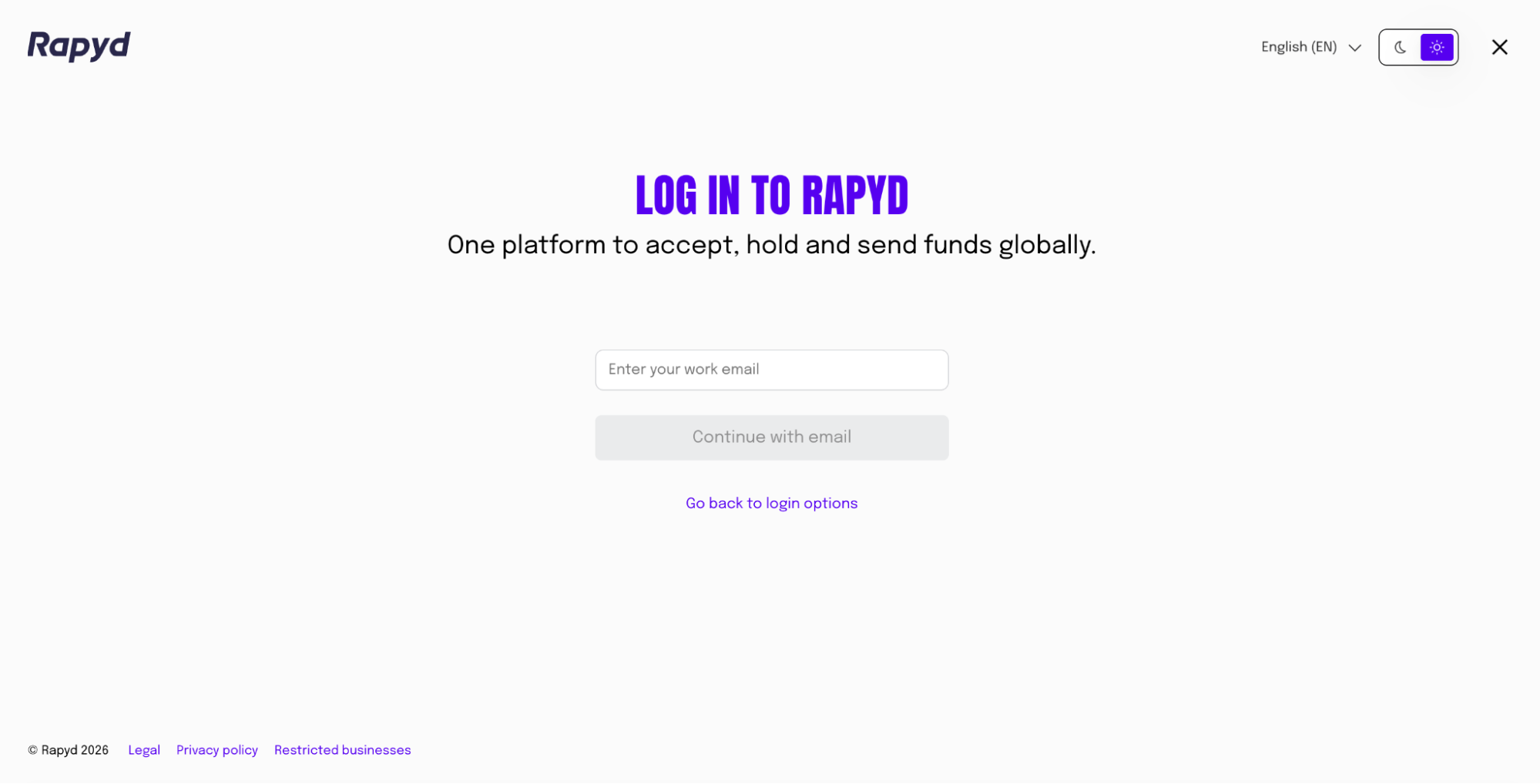
Introduzca la dirección de correo electrónico de su trabajo asociada a su cuenta de Client Portal.
Haga clic en Continuar con el correo electrónico botón.
Se abre el portal de clientes de Rapyd.
Configuración de SSO
Debe crear una configuración de SSO y habilitar el SSO de antemano. El inicio de sesión solo se realizará correctamente si la configuración ya está establecida. Configuración del SSO para obtener más información.