Switching to a Merchant's Client Portal
You can switch from the Partner Portal directly into a merchant's Rapyd Client Portal to view and navigate their account.
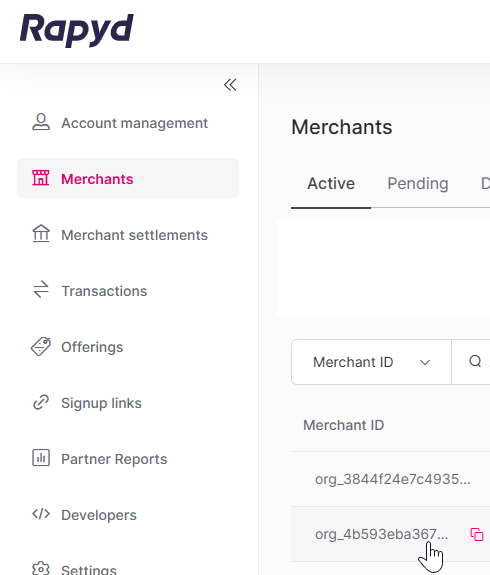
Sign in as described in Signing In To the Partner Portal and navigate to the Merchants tab.
The Merchants page appears, listing all merchants associated with your partner account.
Click the row of the merchant whose Client Portal you want to access.
The Merchant details page appears.
Click Switch to merchant account.

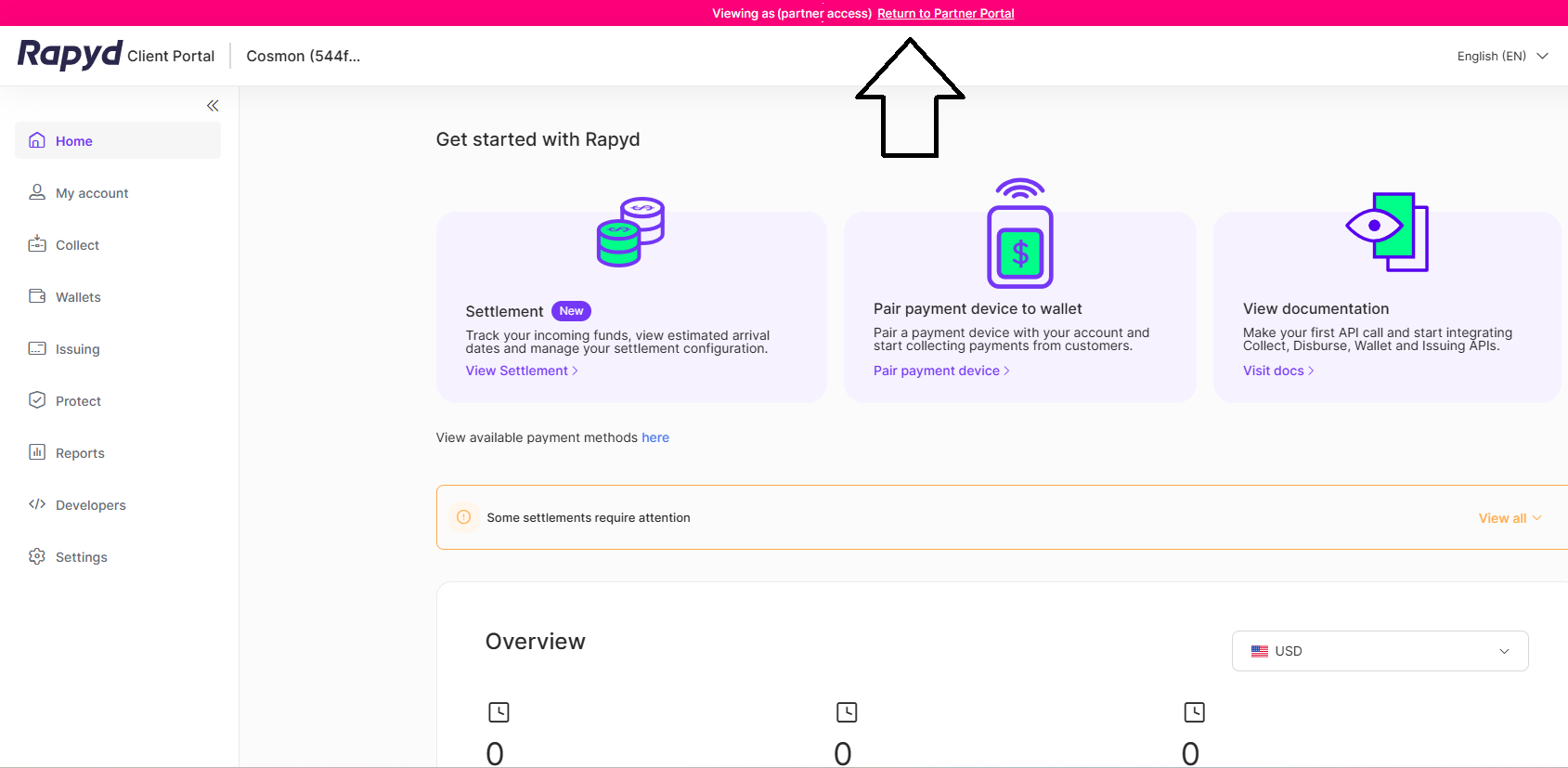
You are taken to the merchant's Rapyd Client Portal. A banner at the top of the page confirms you are viewing the portal with partner access.
In the banner at the top of the merchant's Client Portal, click Return to Partner Portal.
You are returned to the Partner Portal.