Downloading a Crypto Mass Payout File
The Client Portal provides sample files that serve as templates for your own crypto mass payout CSV file. You download the sample files from the Client Portal.
You must have Owner or Administrator privileges to download a sample file for a mass payout.
Sign in as described in Signing In to the Client Portal and navigate to Disburse > Mass Payouts.
The Mass Payouts page appears.
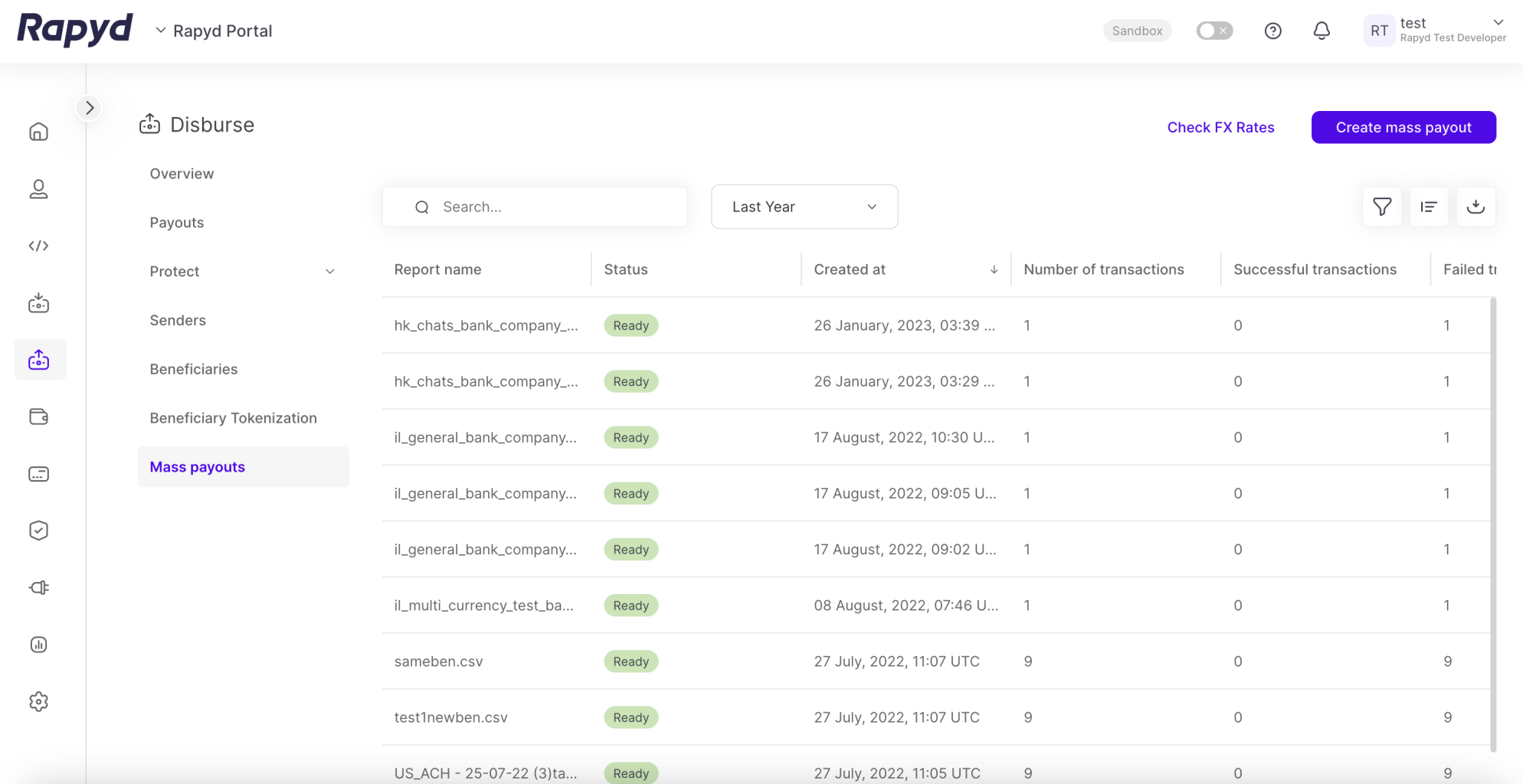
Click the Create Mass Payout button in the upper right corner of the page.
The Create mass payout dialogue box appears.
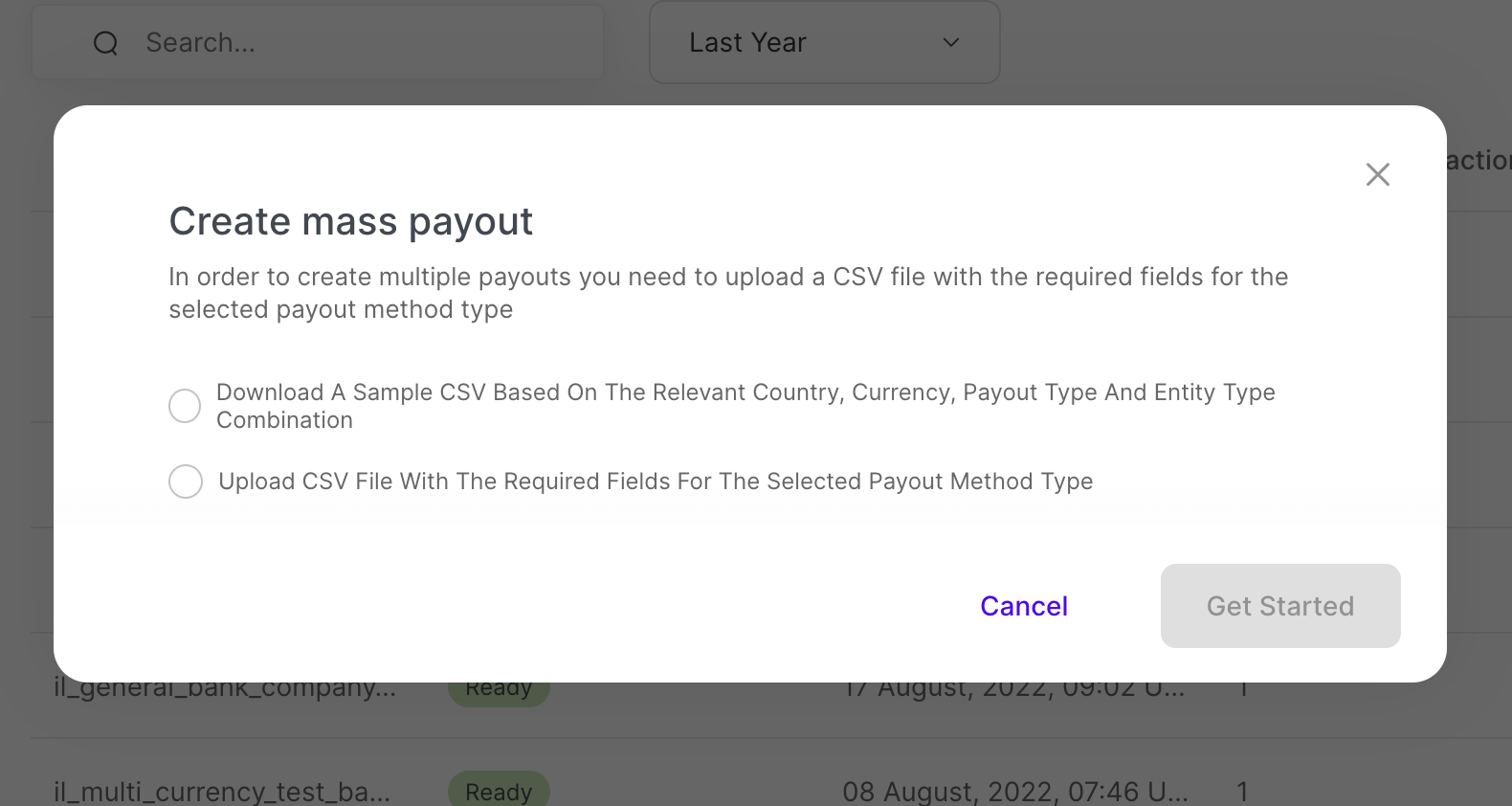
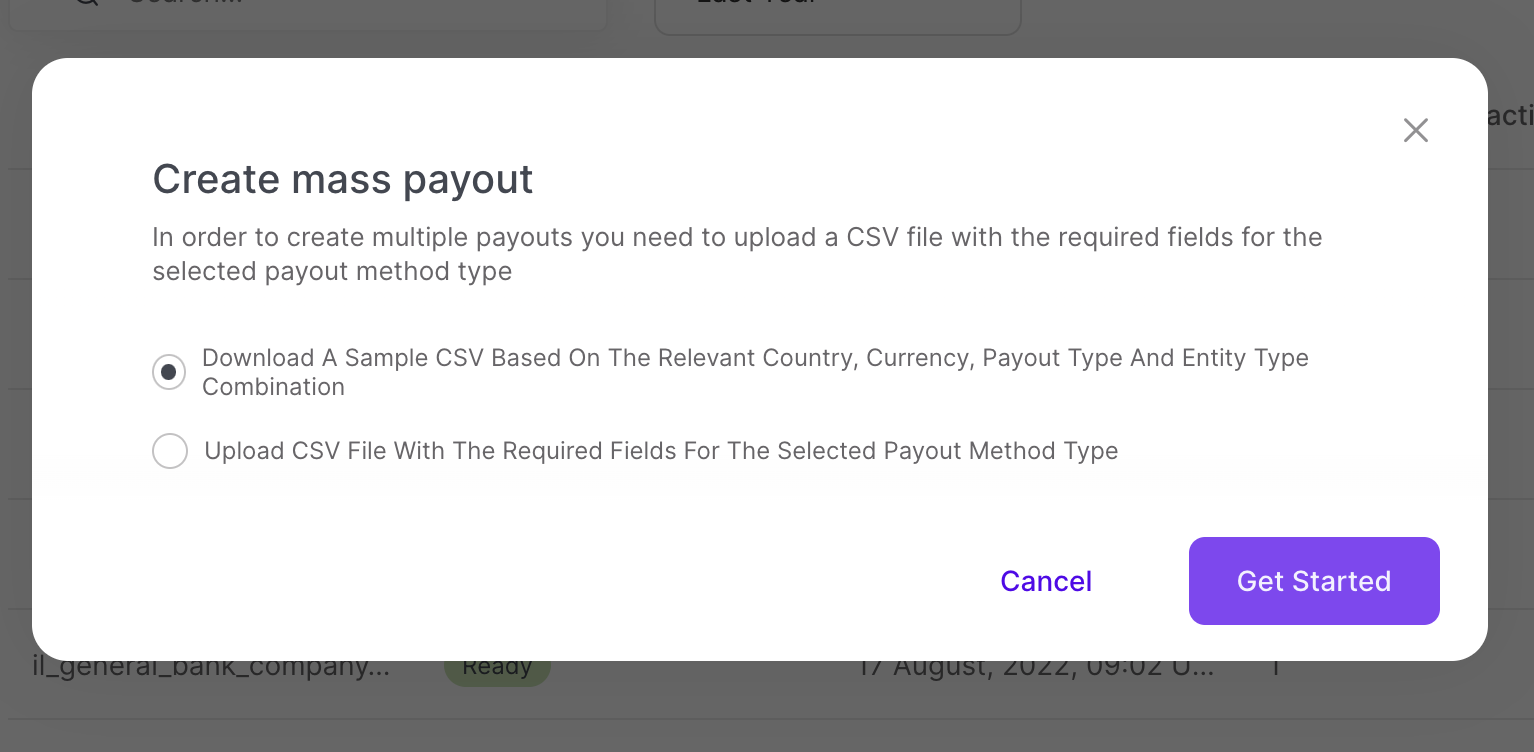
Select the Download A Sample CSV option.
Click Get Started.
The Sample File page appears.
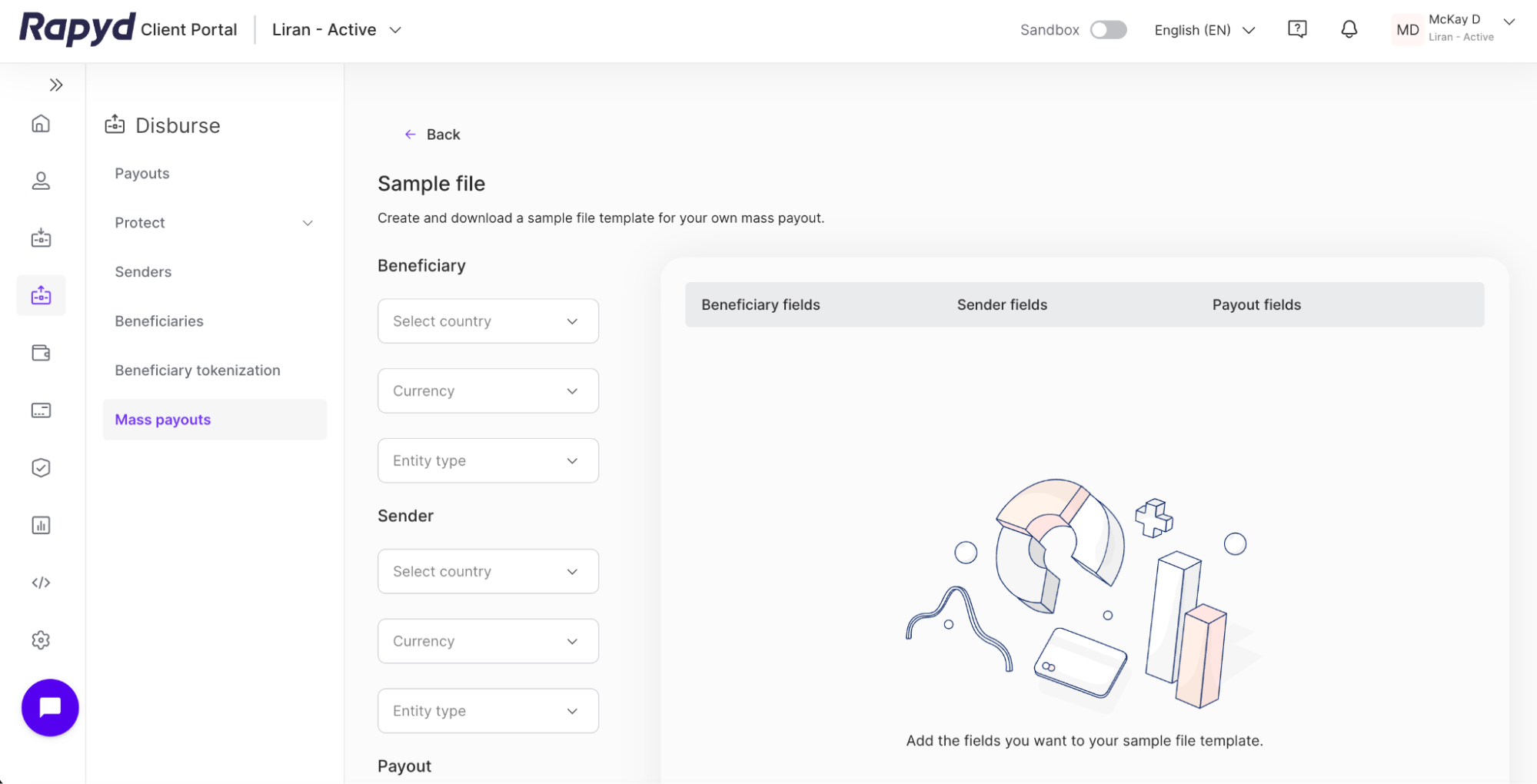
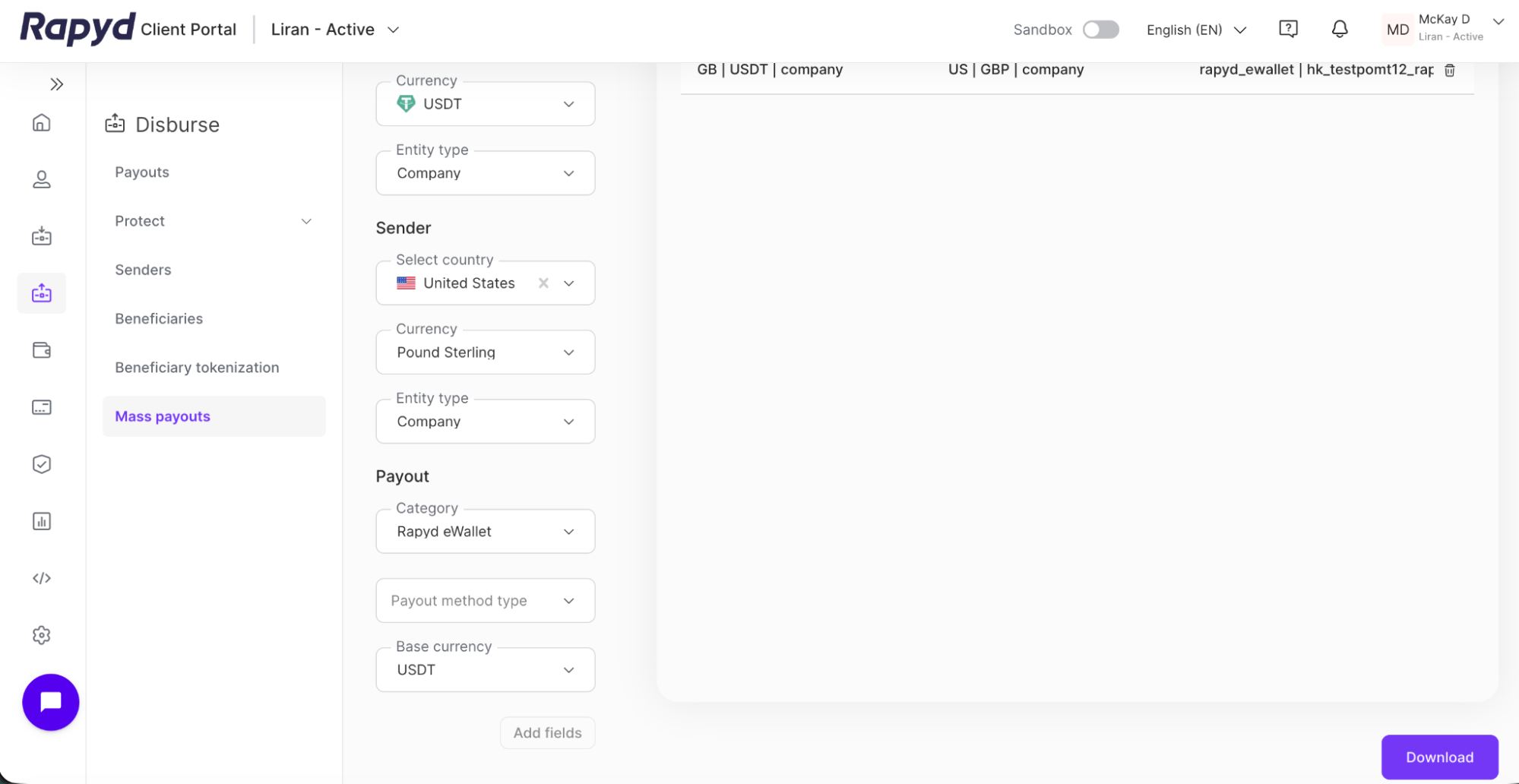
Navigate to the column of drop-down menus on the left side of the Sample file page.
For the Beneficiary section, select the following from the drop-down menus:
Country - The country of the beneficiary
Currency - The currency of the beneficiary
Entity type - The type of beneficiary: company, or individual
Note: Select USDC or USDT for the beneficiary currency.
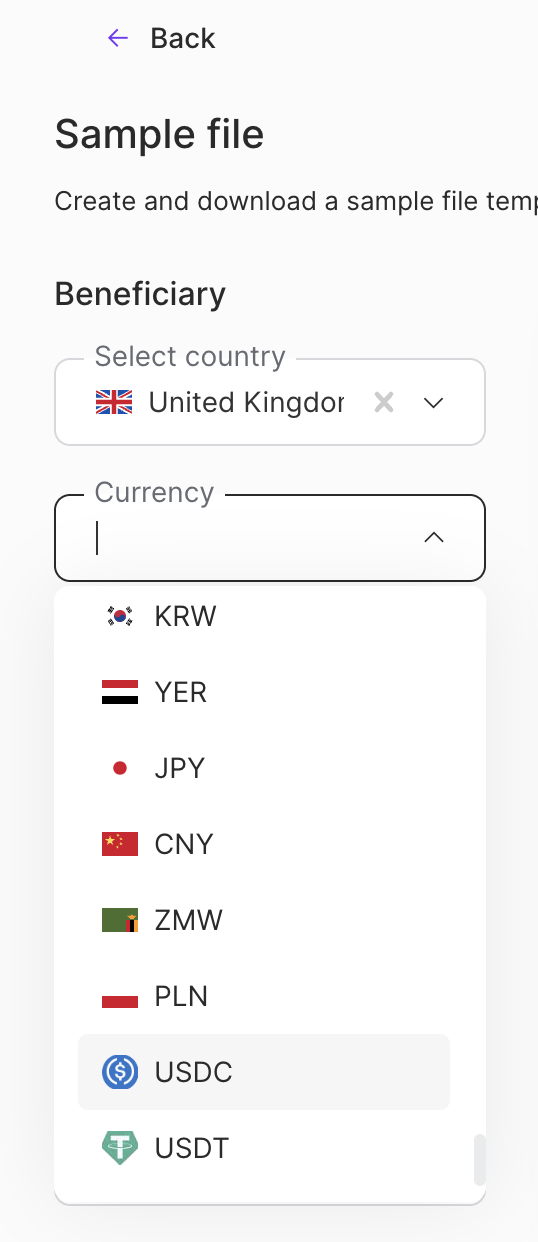
For the Sender section, select the following from the drop-down menus:
Country - The country of the sender
Currency - The currency of the sender
Entity type - The type of sender: company, or individual
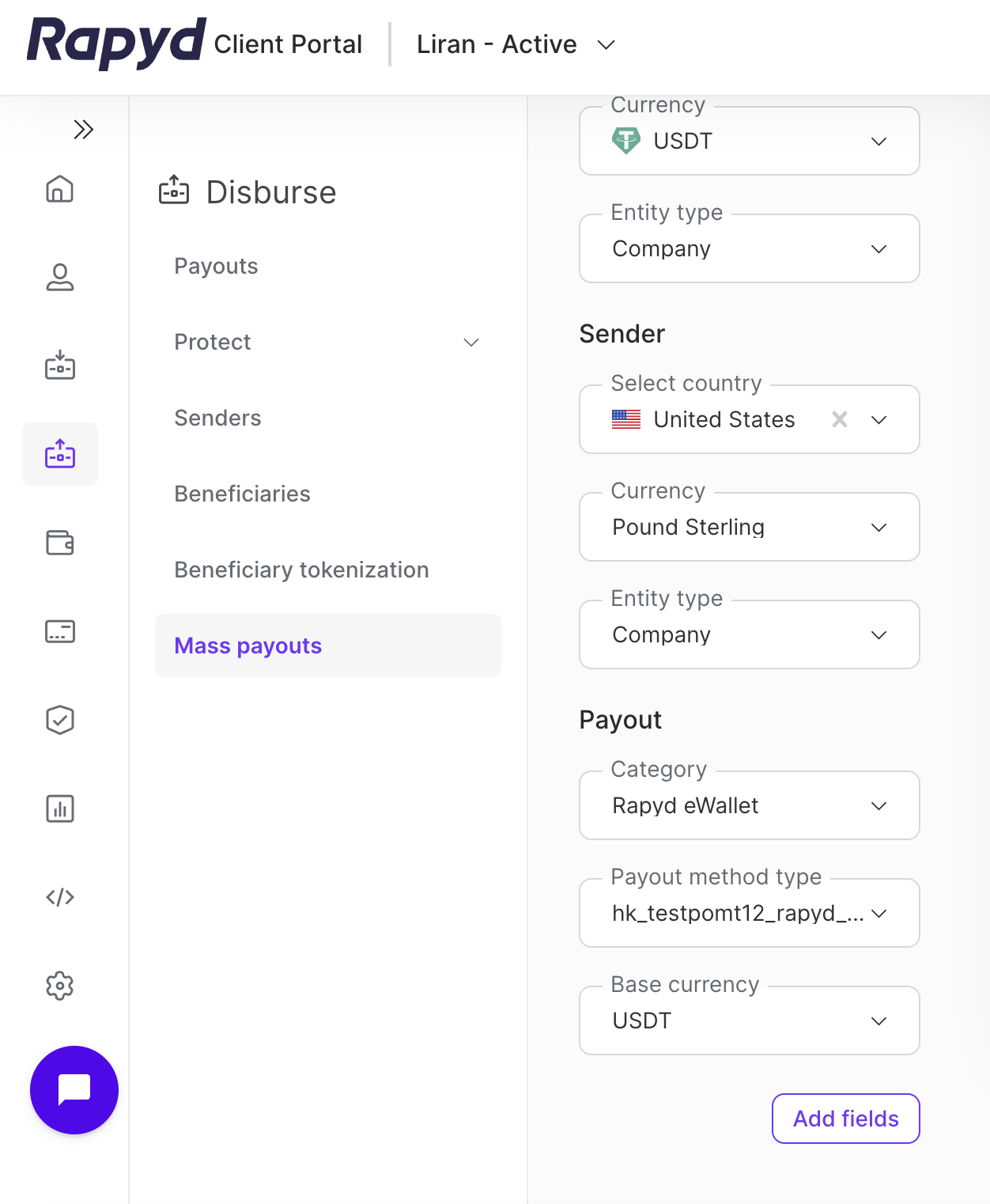
For the Payout section, select the following from the drop-down menus:
Category - The category of the payout (e.g. bank, card, cash, eWallet, Rapyd eWallet).
Payout method type - The payout method type (POMT) for the payout
Base currency - The currency of the payout
Click the Add fields button at the bottom.
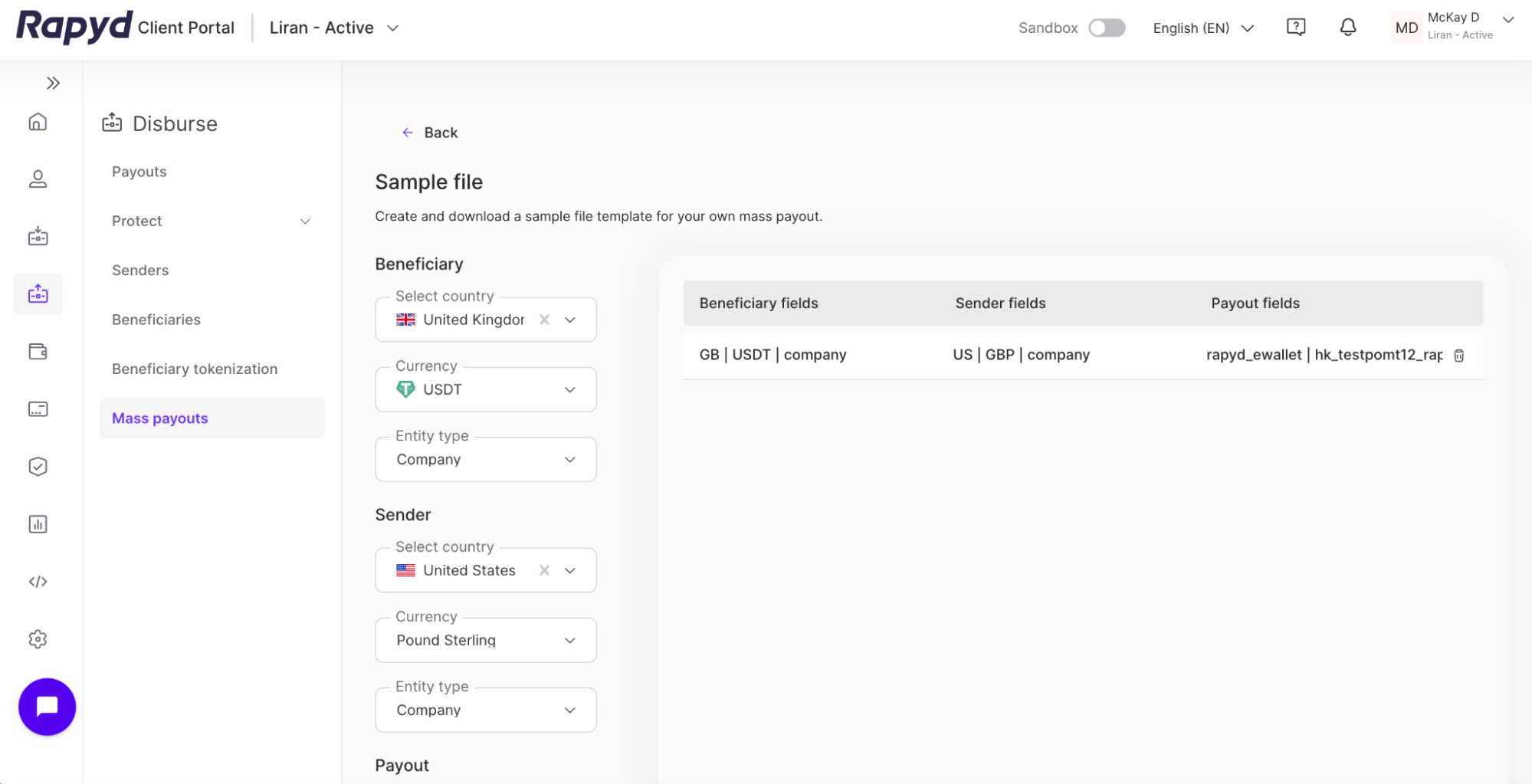
The fields for your sample file appear in the panel on the right side.
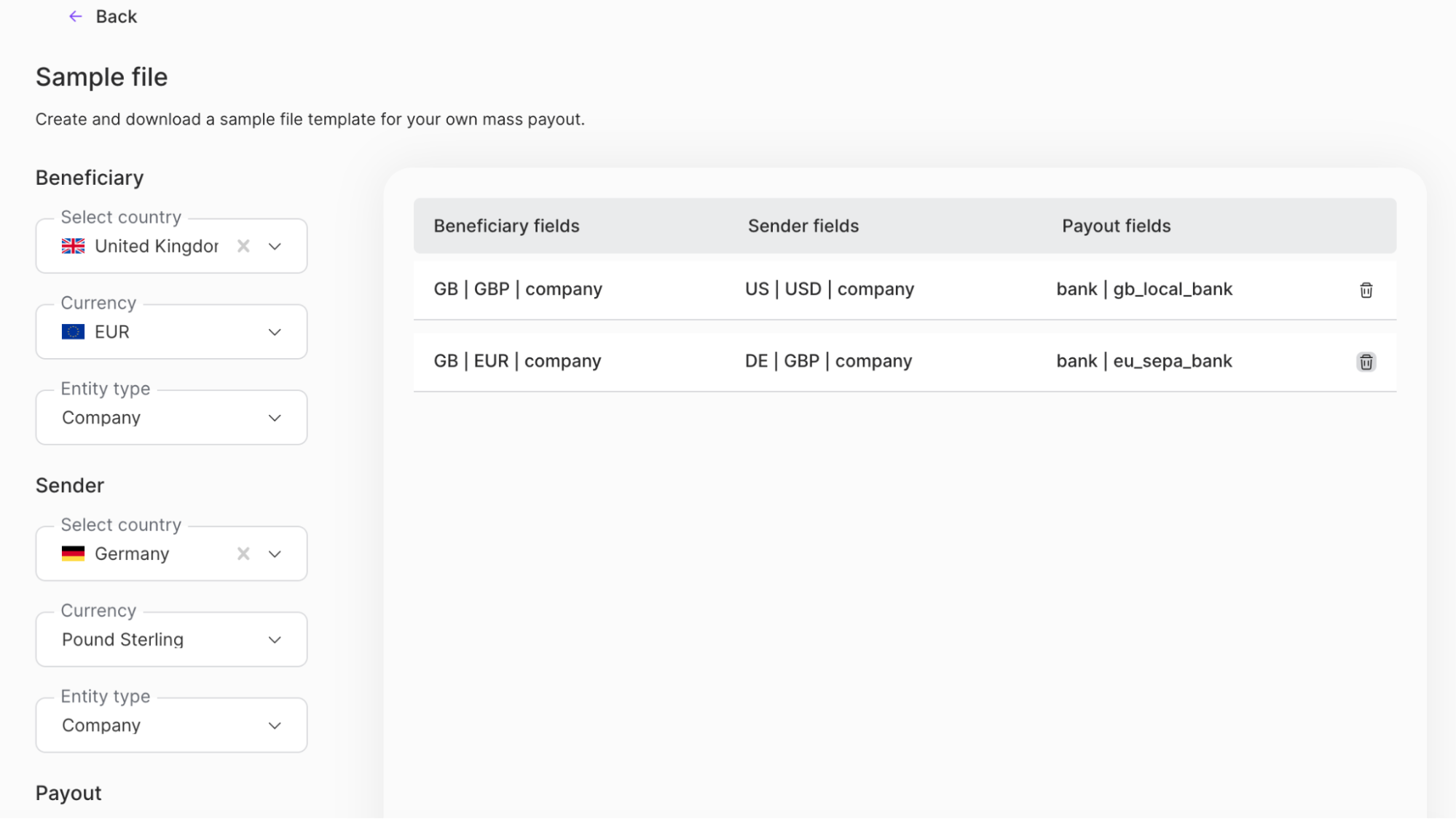
You can add more than 1 set of fields to the panel. Each set of fields will be downloaded as a separate sample file. Click the delete icon to delete a set of fields.
Click the Download button at the bottom of the page.
The sample CSV files are downloaded to your computer.
Required fields for a payout type may change over time. For example, a country might change the identification documents required for a certain payout type. If a required field changes, the Client Portal automatically updates the sample file to match current requirements.